
You probably started your business to follow a passion or solve a specific problem, not to spend twelve hours a day staring at spreadsheets and keyword metrics. Yet, here we are. If you are running a solo operation, you know the reality all too well.
You are the CEO, the marketing department, the sales team, and the customer support agent all rolled into one.
Time is your most scarce resource.
Every minute you spend manually tweaking meta tags or hunting for backlink opportunities is a minute you aren't spending on product development or client relationships.
This is where seo automation becomes not just a luxury, but a survival mechanism.
It isn't about being lazy.
It is about being smart with your energy.
There is a massive shift happening right now in 2024 and heading into 2025. We are seeing solopreneurs compete with massive agencies simply because they have adopted smart solopreneur tools that leverage artificial intelligence.
The playing field is leveling out. But to take advantage of this, you need to move beyond basic tools and start building actual workflows. A workflow is a system that runs in the background, keeping your traffic engine humming while you sleep.
Implementing seo automation effectively means you can replicate the output of a three-person marketing team for a fraction of the cost. We aren't talking about spamming the internet with low-quality junk.
We are talking about using precision tools to handle research, content drafting, and technical health checks.
The goal is time saving marketing that actually converts visitors into revenue without burning you out.
Below, we are going to break down three specific workflows. These are practical, set-it-and-forget-it (mostly) systems that fit a mid-range budget of around $99/month. Whether you are selling digital services or running a local trade business, these workflows are designed to get you ranking higher without the headache.

1. Content Creation and Optimization Workflow
Let's be honest for a second. Consistency is the hardest part of SEO. You know you need to publish valuable content regularly to signal to Google that your site is alive and authoritative.
But writing a 2,000-word guide takes hours, sometimes days.
Most solopreneurs fail here because they simply run out of steam.
The first and most critical seo automation workflow tackles the production chain. A manual process usually involves four or five different disconnected steps: keyword research in one tool, drafting in a Google Doc, optimizing in another software, and then manually uploading to WordPress.
That is a recipe for procrastination.
Here is how you automate this cycle effectively.
Step 1: Intelligent Research and competitive analysis
You shouldn't be guessing what to write about. Use data to drive your decisions.
In the past, you would spend hours on Semrush or Ahrefs. Now, you can use AI tools to scan your niche. You want to identify high-opportunity keywords that competitors are missing.
Look at the top 10 ranking pages for your target topic. What are they doing right? What is their structure?
Tools like our own RobotSpeed AI Content Agent are designed to handle this instantly.
Instead of you manually checking ten websites, the system analyzes the word count, the headings, and the semantic keywords needed to rank.
Step 2: Automated Drafting and Optimization
Once you have your topic, the writing phase begins. This is where seo automation shines brightest.
You can use a stack of tools like ContentShake AI ($60/month) combined with an editor, or you can streamline it.
For a solopreneur, the best approach is an all-in-one solution. RobotSpeed takes the research data and immediately drafts SEO-optimized content. It bypasses AI detection patterns, ensuring the text reads naturally.
It automatically inserts the right keywords at the right density, so you don't have to count them yourself.

Step 3: One-Click Publishing
But let's be real, the upload stage is where everything usually grinds to a halt.
I mean, who has the patience for copying text, messing with headers, hunting down images, and writing meta descriptions?
It's just so tedious.
A really solid workflow connects your writing tool straight to your CMS. With RobotSpeed's Automated Publishing, the content goes straight to your WordPress, Wix, or Shopify site via API.
It takes care of all the formatting and even places the images for you. You're basically going from "idea" to a live, published URL with just one click for approval, instead of sinking three hours into doing it by hand.
That's the kind of consistency that builds real authority over time.
2. Programmatic SEO Page Building Workflow
If you have an e-commerce store, a directory, or a service business with many locations, writing one page at a time just isn't going to get the job done. You need scale.
This is where programmatic SEO enters the chat. It sounds technical, but it is actually one of the most powerful solopreneur tools available today.
The concept is simple. You create a database of information, and you use automation to generate thousands of unique, valuable pages based on that data. Think of how TripAdvisor has a page for "Best Hotels in London," "Best Hotels in Paris," etc.
They didn't write those manually one by one.
They used a template.
Step 1: Centralize Your Data
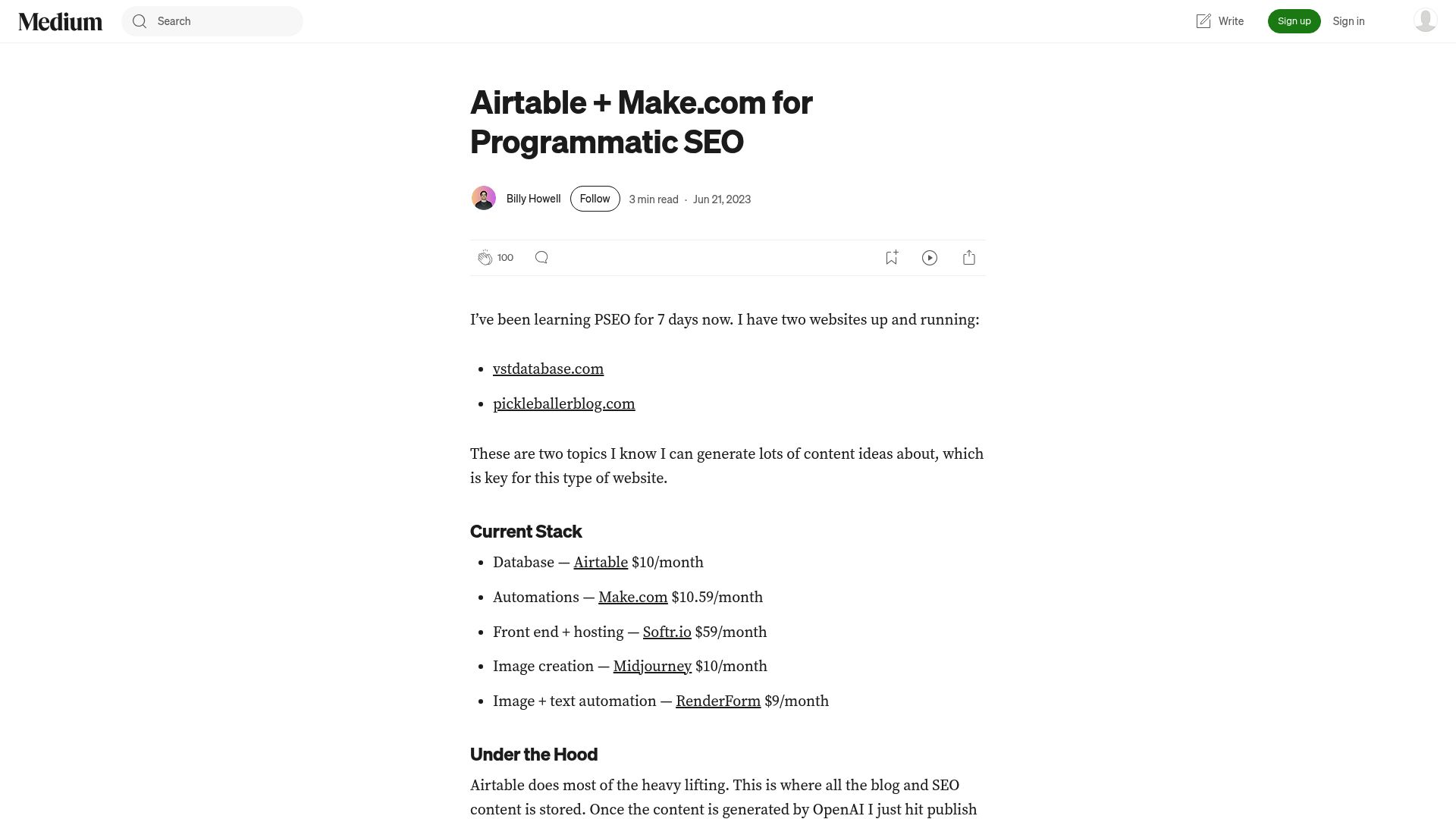
Start by building a database. Airtable (which has a free tier or a Business plan at $45/user/month) is perfect for this.
You list out your variables. For example, if you are a real estate photographer, your variables might be "City," "Service Type," and "Property Style."
You can then use AI agents within Airtable or Notion to enrich this data. Ask the AI to write a unique intro and conclusion for every single row in your spreadsheet. This is the trick to making sure every single automated page still feels unique and fresh.
📸 medium.com
Step 2: Synching to Your Website
Now you need to get that data onto the web.
Tools like Whalesync or Make (formerly Integromat) are fantastic here. They act as a bridge.
You set up a workflow that says: "When a new row is added to Airtable, create a new page in Webflow or WordPress."
You map the fields. Column A goes to the Title H1.
Column B goes to the meta description. Column C is the body text.
Once you turn this on, you can publish hundreds of pages targeting "long-tail" keywords in minutes. It turns your static site into a massive net catching traffic from all over.
Step 3: Enhance with Dynamic Media
Text isn't enough. You need images and internal links. You can use Zapier ($20+/month) to watch your new pages.
When a page is created, an automation can fetch a relevant stock image or generate one using DALL-E, and update the page automatically.
Ideally, you want to include internal links to keep users on your site. Programmatic seo automation is powerful, but it requires careful setup to avoid creating "thin content." Just remember to always make sure the user is getting real value.
And while some fancy tools like Propylon are out there for complex data, honestly, for a solopreneur, a simple Airtable-to-WordPress sync is more than enough to start owning important keywords.
3. SEO Audit and Performance Monitoring Workflow
You can't improve what you don't measure. The problem is that digging through Google Analytics (GA4) and Google Search Console (GSC) is intimidating. It is full of jargon and charts that don't always tell you what to do next.
Ignoring your site's health is dangerous. Broken links, 404 errors, or sudden drops in rankings can kill your business overnight. You need an automated watchdog.
This workflow is about defense, protecting the traffic you have earned.
Step 1: Automated Health Checks
You shouldn't have to remember to audit your site. Set up a recurring crawl.
Tools like Screaming Frog are great, but for true automation, you can use cloud-based crawlers or set up a Make/Zapier workflow that connects to Google Search Console.
Configure an alert system. If your 404 errors spike by more than 5%, you get a Slack message or an email. This allows you to react instantly rather than finding out two months later that your checkout page was broken.
Step 2: Competitive Monitoring
Your competitors aren't sleeping. You need to know when they change their strategy. Use automation to track their changes.
If a competitor changes their title tags or starts ranking for your main keyword, you need to know.
You can set up automated reports that get delivered to your inbox every Monday morning. These reports shouldn't just be data dumps; they should be summaries.
"Competitor X just gained 5 backlinks." This actionable intel allows you to pivot your strategy immediately.
Step 3: Maintenance and Updates
Let's face it: websites break.
They slow down, images start to bog things down, and suddenly your Core Web Vitals are a mess. Staying on top of maintenance is absolutely crucial for user experience.
Think of it like any physical business. A company that specializes in something like after-sales service for blinds in Switzerland doesn't just do the installation and walk away. They know that routine checks, repairs, and support are what keep everything working smoothly for years.
Your website is no different.
Automate the tedious stuff. Use plugins or scripts to automatically compress new images as they are uploaded. Set up database cleaners to remove spam comments weekly.
This "digital janitor" work keeps your site fast, which is a massive ranking factor for Google.
Conclusion
Being a solopreneur is a grind, but it doesn't have to be a lonely one. By integrating these three workflows, you are essentially hiring a robot team to handle the heavy lifting. You are moving from a reactive state, panicking about rankings, to a proactive state where growth happens in the background.
Remember, seo automation isn't about removing the human element entirely. It is about freeing up the human (you) to do what computers can't: build relationships, close deals, and create the vision for your brand.
Stop doing the $10/hour work of copy-pasting content and start doing the $500/hour strategy work.
Start small. Pick one workflow, likely the content creation one, as it has the highest immediate ROI, and implement it this week.
Once that is running smooth, tackle the technical audits. Before you know it, you will have a machine that generates traffic and leads 24/7.
If you are ready to stop fighting the algorithm and start mastering it, it's time to upgrade your toolkit. Explore how RobotSpeed's all-in-one platform can set these workflows in motion for you today. Let the robots handle the speed, so you can focus on handling the success.
FAQ
What is the best SEO automation tool for beginners?
If you're just starting out, an all-in-one tool is your best bet because you won't get bogged down in a bunch of complicated technical setup.
That's exactly why we built RobotSpeed, it brings research, writing, and publishing all together under one roof.
You'll also see other entry-level tools like WordPress plugins such as Yoast, but be prepared for a lot more hands-on work with those.
Can SEO automation get my site penalized by Google?
So, can getting help from SEO automation land you in hot water with Google?
Well, it really all comes down to how you're using it. If your strategy is to just spam out thousands of low-quality, barely readable pages, then yeah, you're probably asking for a penalty.
But, if you're using seo automation smartly, to help with research, draft great content that a human (you!) actually reviews, and clean up technical messes, Google is all for it.
How much does it cost to automate SEO?
At the end of the day, quality always wins. So, what's a setup like this going to cost?
You can get rolling with a mid-range budget of about $99/month. This usually covers a primary content tool and perhaps a low-cost subscription to a database tool like Airtable. Compared to hiring an agency ($1,500+/month), the ROI on automation tools is incredibly high for solopreneurs.
Do I need to know how to code to use these workflows?
No.
The beauty of modern solopreneur tools is that they are "no-code." Platforms like Make (Integromat) or Zapier use visual builders where you just drag and drop blocks to connect apps. If you can use a spreadsheet, you can build an automation workflow.